CNC Machining Machinery
We Prefer Making Parts From Your 3D Models
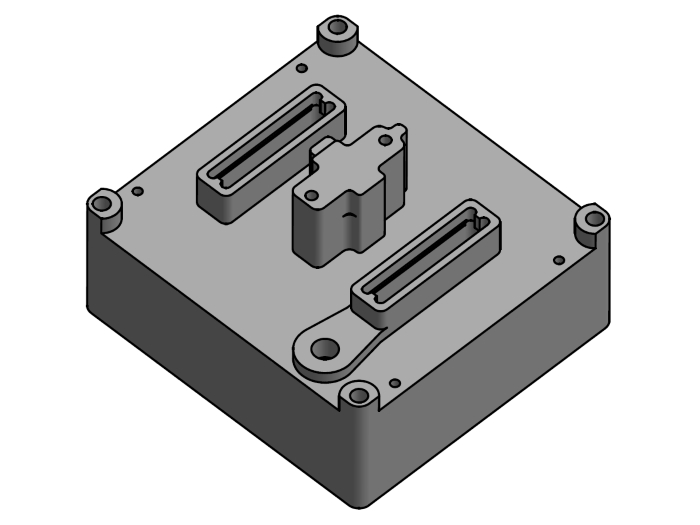
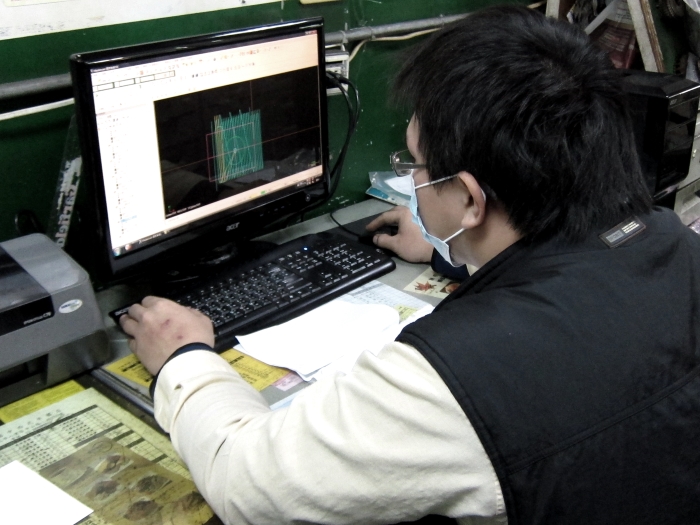
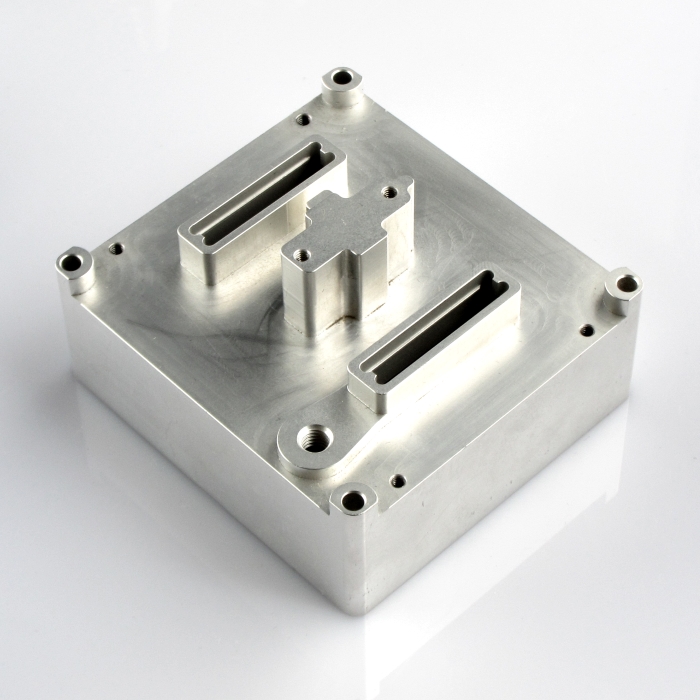
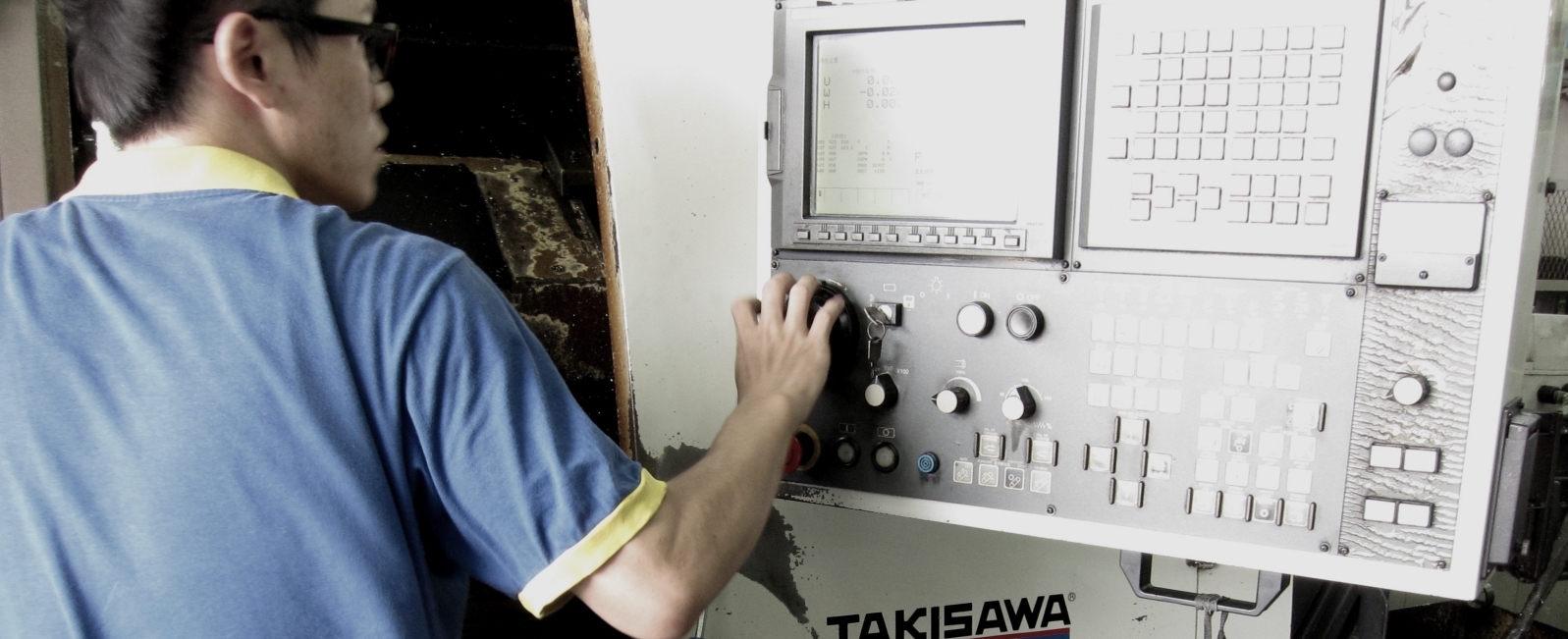
Below showed how a camera chamber to be manufactured step by step from print to part via CAM software, CNC turning and milling machines in Apporo.
1.) Checking and Confirming Drawings
Once the order is confirmed, 2D and 3D CAD drawings are received from clients. To date, more than ten thousand CAD drawings have been checked and confirmed before production, with feedback given if there are any problems opening the drawing files or other obvious issues:
a.) To receive a "no quote" if the part is outside Apporo's capabilities.
b.) To receive suggestions for ways to improve design for production, also to reduce cost
without losing functionality.
c.) To receive a quote with the shortest possible lead time for delivery.
2.) CNC Programming
Our professional CNC programmers use PC-based CAD/CAM software Mastercam for fast and efficient turning/milling. During this stage, we keep looking for better way to optimize design for production.
3.) CNC Production
Following the CAM software instructions, parts are manufactured step by step on CNC milling machine centers, while our production lines are capable of 2 axis, 3 axis, 4 axis and 5 axis production. From simple dowel pins and shafts to complex CNC turning-milling parts, we have got you covered.
How to Make Your Own CAD Drawing?
Computer-aided design (*Ref 1.), so-called CAD, is widely used in most industries to improve the efficiency and quality of design. Furthermore, CAD drawing output as an electronic file is highly conducive to communication between designers and manufacturers. It also creates a great platform carrying complete information for CNC machining service manufacturers. Generally, we prefer reading, modifying and creating 2D and 3D CAD drawing files by using CAD software.
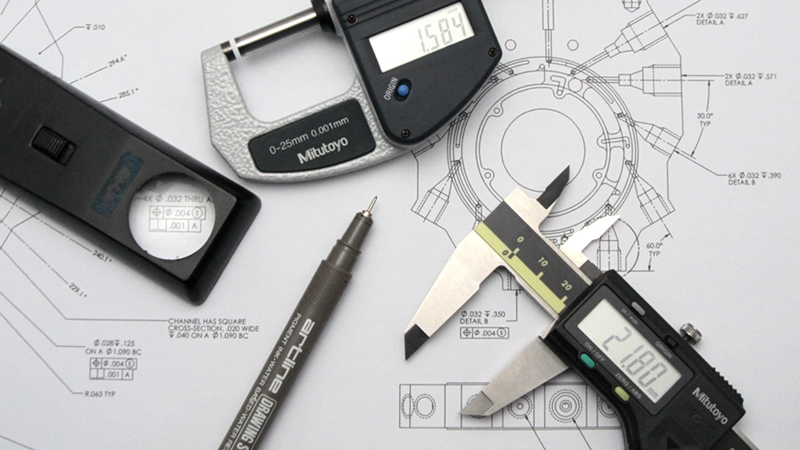
Create Your Own CAD Drawing
The Way to Create CAD Drawing
Recently, CAD software has been helpful for rapid and easy engineering modeling in various industries. For example, automotive and aerospace industries, reverse engineering (*Ref. 2), PCB design, animation design, industrial and architectural design. In summary, the procedures below show how we use CAD software to create 2D and 3D CAD drawing:
1.) to start from creating 3D CAD object
- create 2D elevation drafting
- form and modify 3D object by extrusion, revolve, sweep, emboss functions
2.) to create 2D print from 3D CAD
- start a new .dwg drawing file
- place various but fewer view sides of the 3D model
- mark dimensions detailed but simplified
- mark important notices
How to Get CAD Software?
Currently, a CAD program is a necessary and powerful tool for CNC machining service projects. A CAD software with good design should be capable of creating both 2D drawing and 3D modeling. It is usually hard to choose the best modeling software for different market sectors, because various aspects and a wide range of features are available in these CAD tools. The essential elements of good CAD software are as below:
- 2D Drawing Tools
- 3D Modeling Tools
- Textures
- Transparency Options
- Lighting Effects
- Hatching
- Photo-realistic Rendering
At present, it is easy to get lots of free CAD software for personal or professional modeling purposes. Should you have any questions about CAD software application, do not hesitate to send us an email.
*Ref 1. Computer-aided design-Wikipedia
What APPORO Needs for a Quote
Before sending an RFQ to us, you must create your own 2D and 3D CAD drawings to visualize your project. If you already have a sample and are looking for reverse engineering, check it out.
Apart from 2D and 3D CAD drawings, customers are responsible for providing detailed information for their RFQ project. According to our core services, we divide the required information as below:
1.) CNC Machining Service
- Material
- Surface Finish
- Batch quantity / Annual quantity
- Other important notices for manufacturer
2.) Other Services
- Stamping
- Material, including thickness
- Surface Finish
- Batch quantity / Annual quantity
- Other important notices for manufacturer
- Plastic Injection
- Material
- Color
- Surface texture
- Batch quantity / Annual quantity
- Surface region allowed for inlet, venting, ejector pins
- Other important notices for manufacturer
For long-term, large-quantity production, we recommend a plastic injection mold with more than one cavity. More mold cavities can lead to higher tooling costs but a significantly lower unit price per part. One shot produces more parts.
- Die Casting
- Material
- Surface Finish
- Batch quantity / Annual quantity
- Surface region allowed for inlet, venting, ejector pins
- Other important notices for manufacturer
Billet cutting
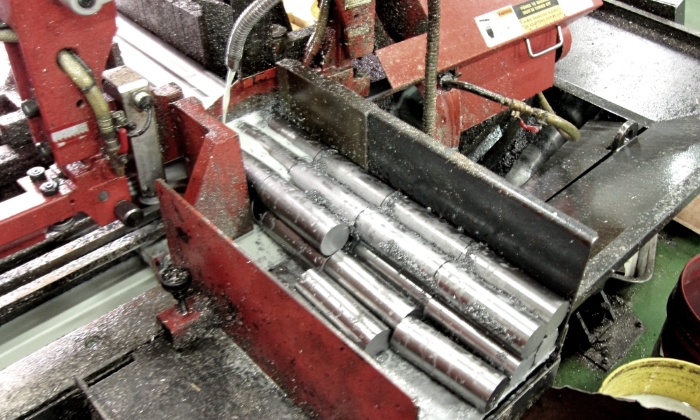
Well-prepared raw material do grateful for efficient mass production arrangement and cost reduce. Our billet shearing machine is capable of material size from 100mm square to 300mm square billet cutting capacity. Billet cutting is required before CNC milling and OD larger than 65mm rods of CNC turning manufacturing production.
CNC Programming
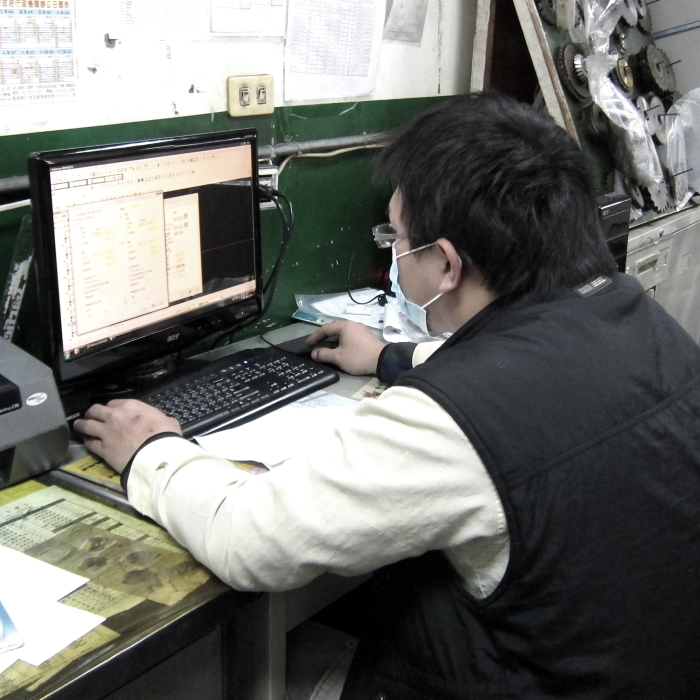
As a professional manufacturer, we know that every minute of design, engineering, operation, programming, and machining time is crucial for easier, more productive, and more profitable fabrication, so we use PC-based CAD/CAM software Mastercam to support fast and efficient turning-milling fabrication.
Machining Services for Large Range
We Know Design and Manufacturing
We are truly devoted to making the world's best quality parts and products for our clients. We are a one-stop shop for all machined parts services and for tooling for plastic injection, die casting, and stamping services. The R&D team at Apporo has marvelous manufacturing experience and knowledge, and our clients often comment on how gorgeous our machining workmanship is.
With more than 40 years of success, we are one of the premier CNC precision manufacturing services in the world. If you send us your part CAD drawings to get a free quote, our engineers will review your project to ensure manufacturability.